Original: $56.90
-65%$56.90
$19.91The Story
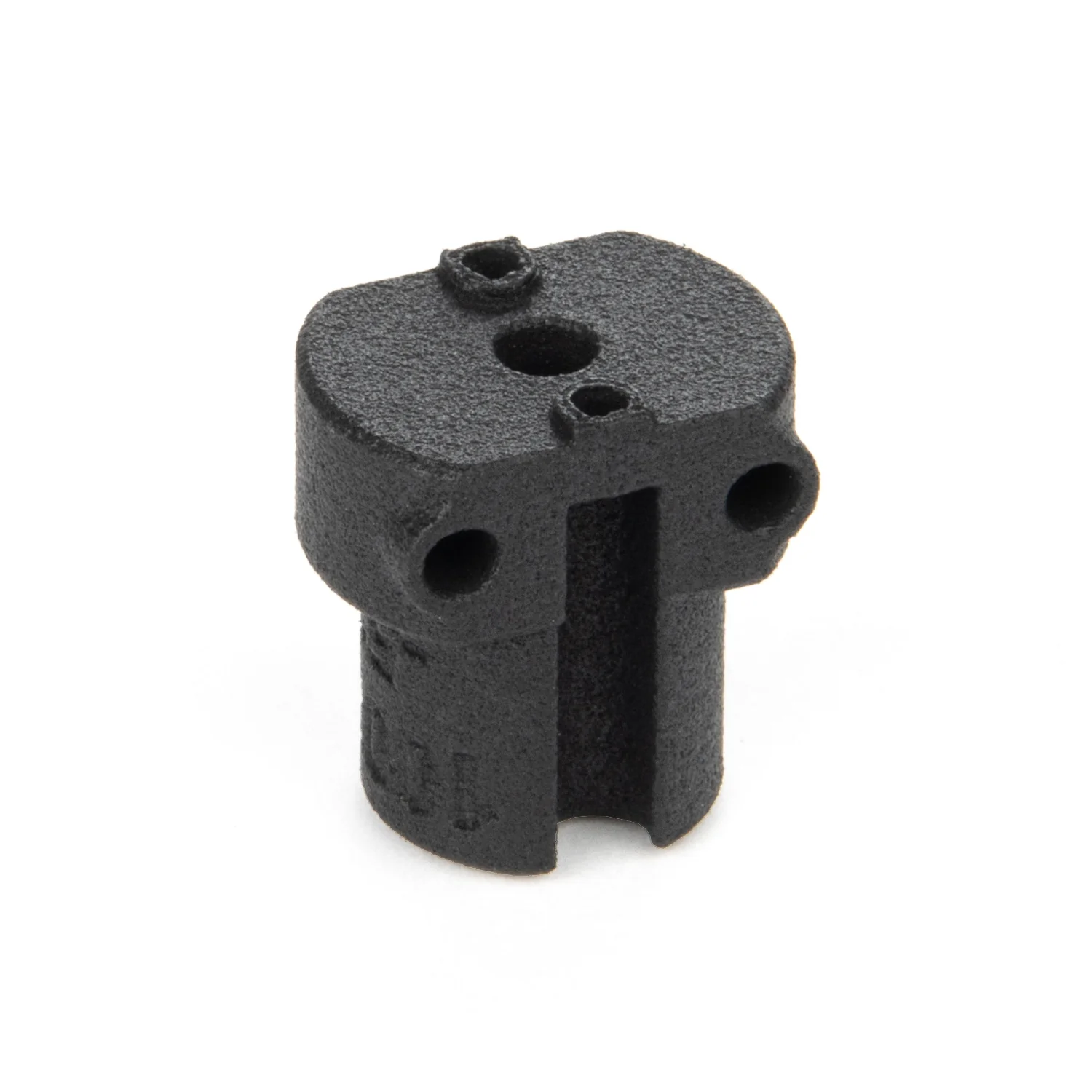
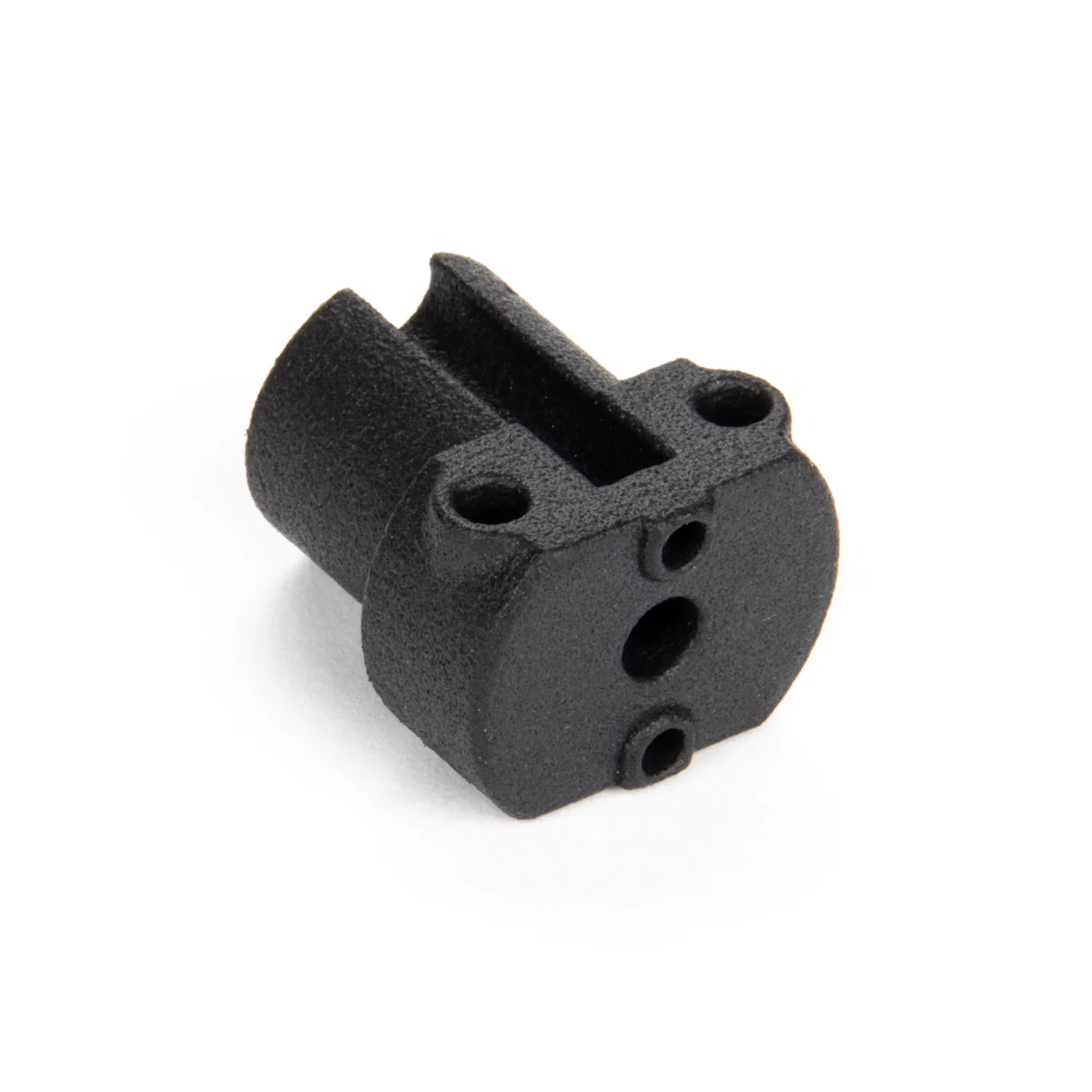
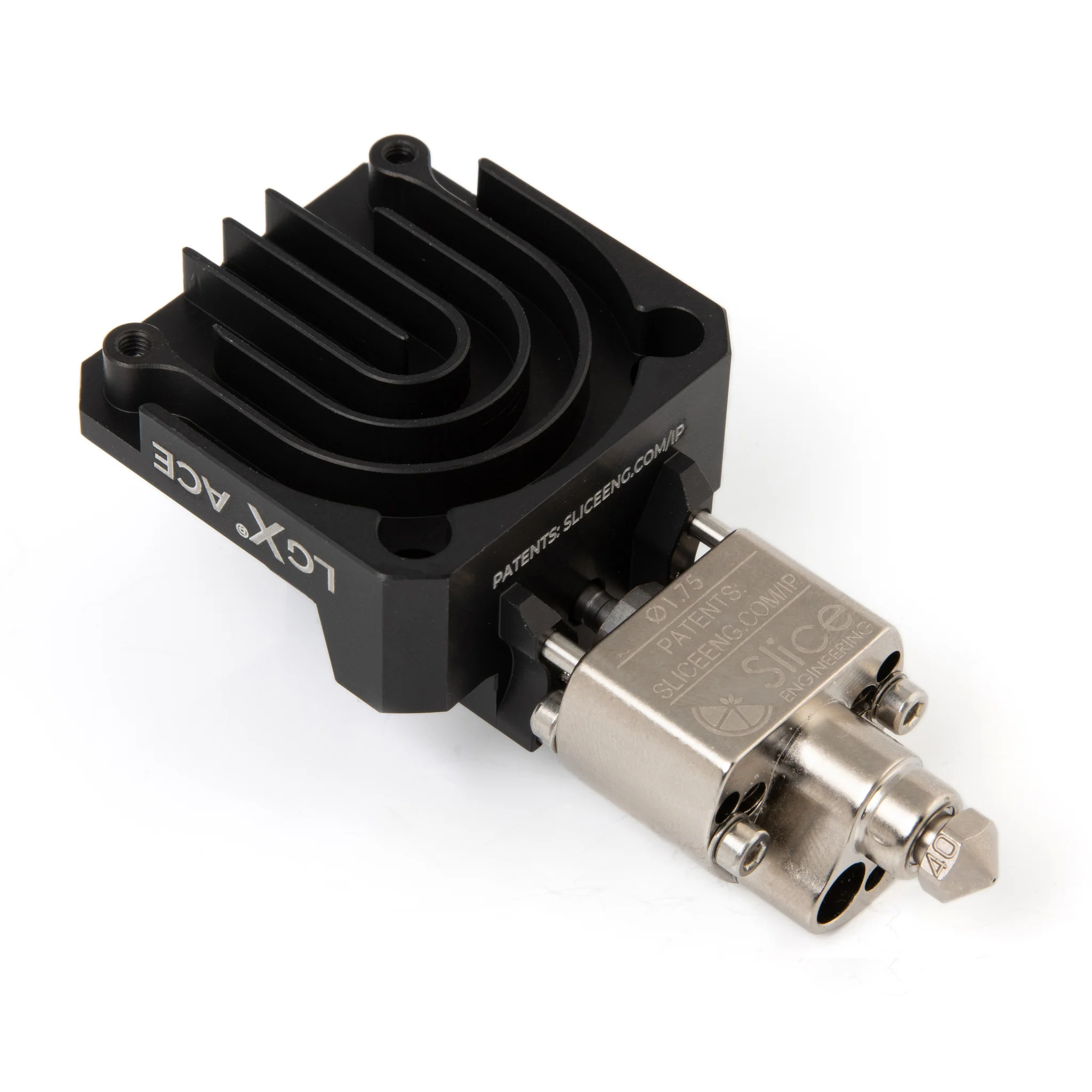
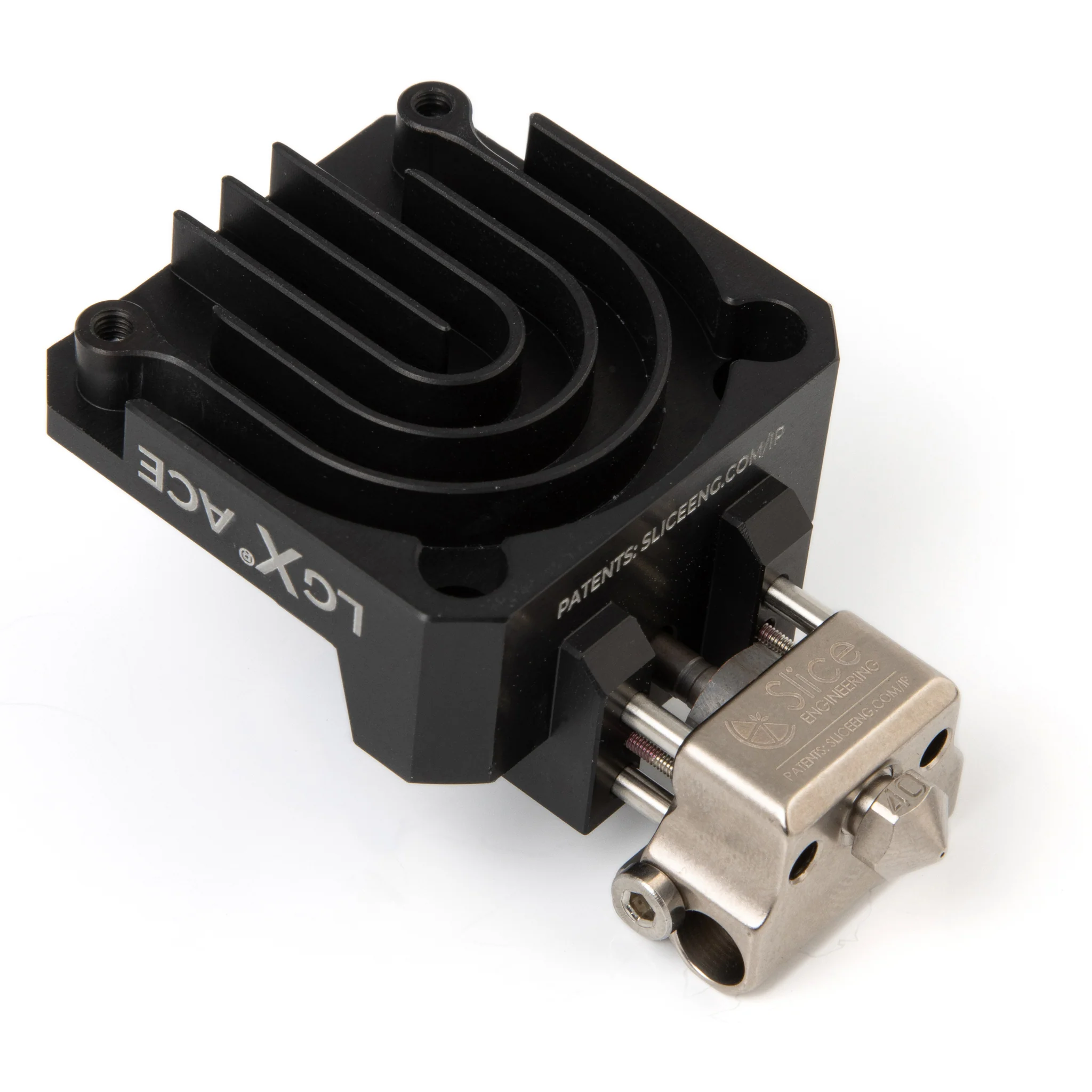
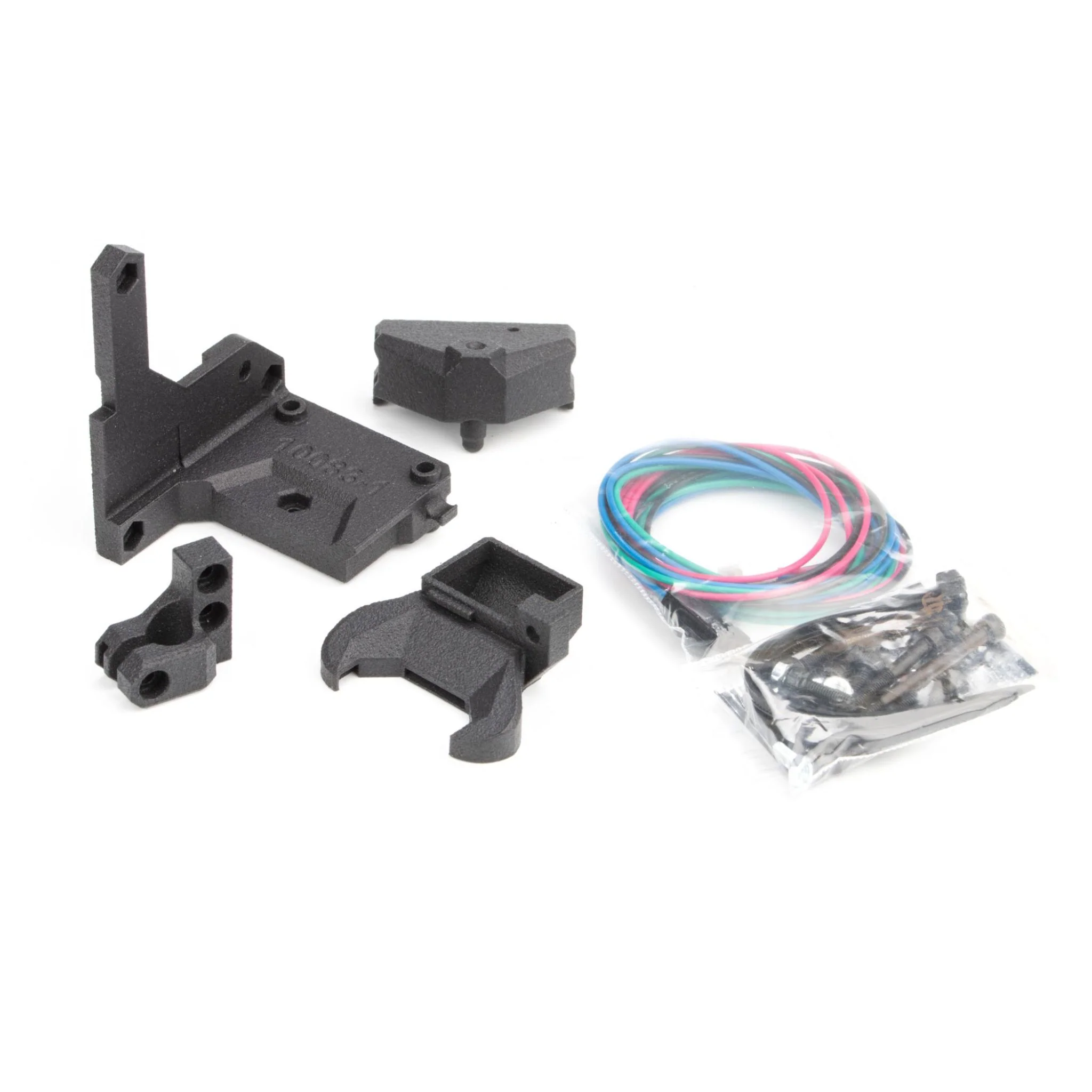
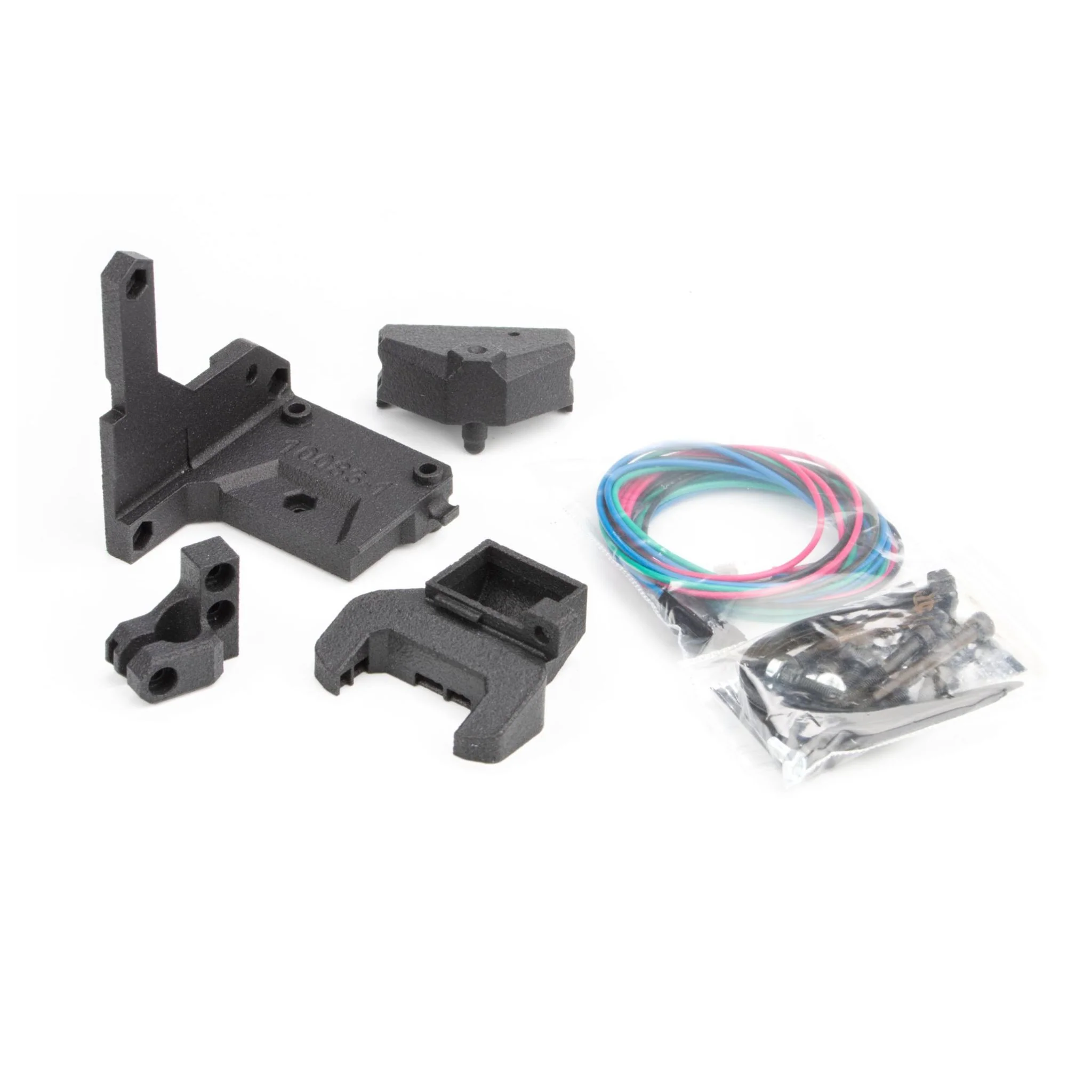
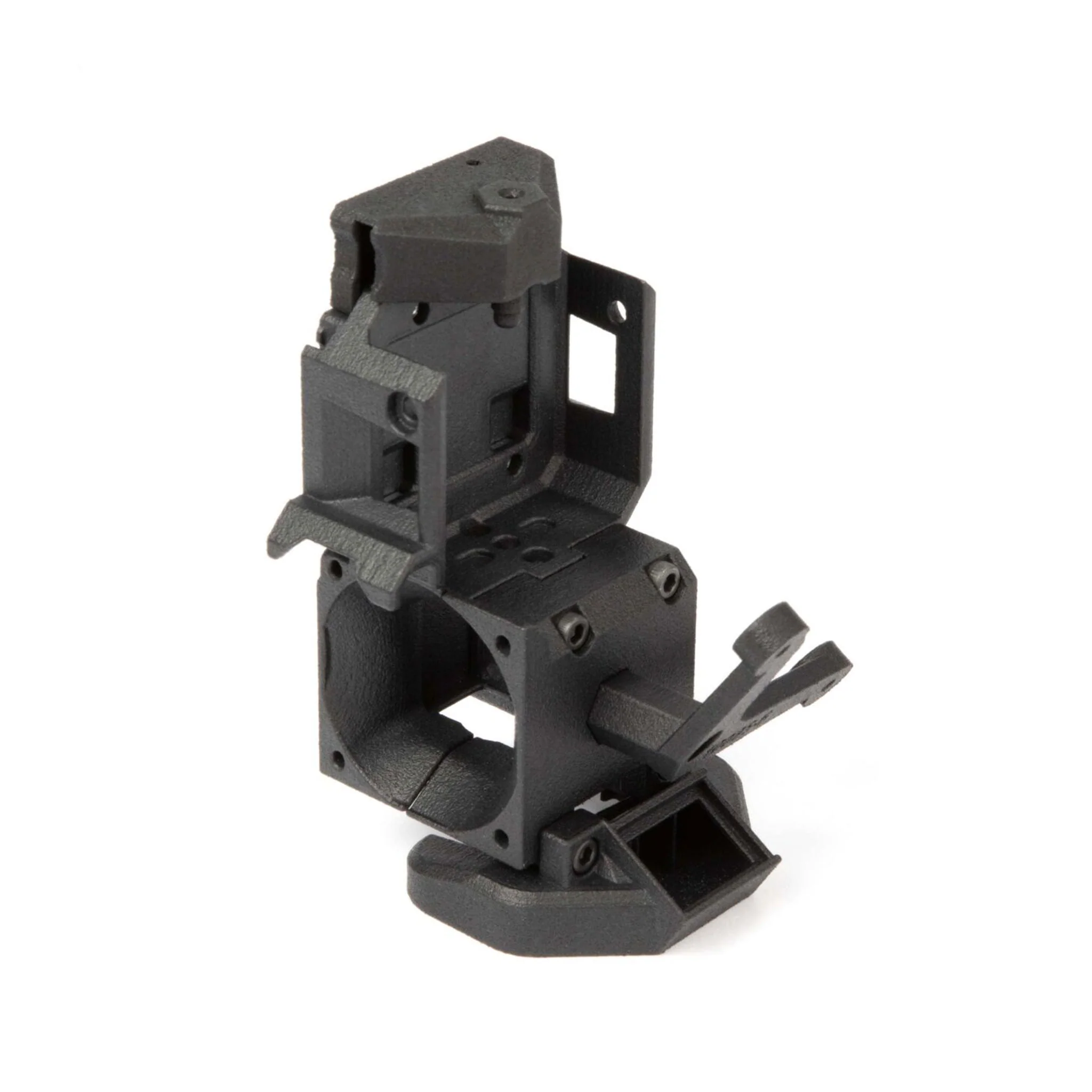
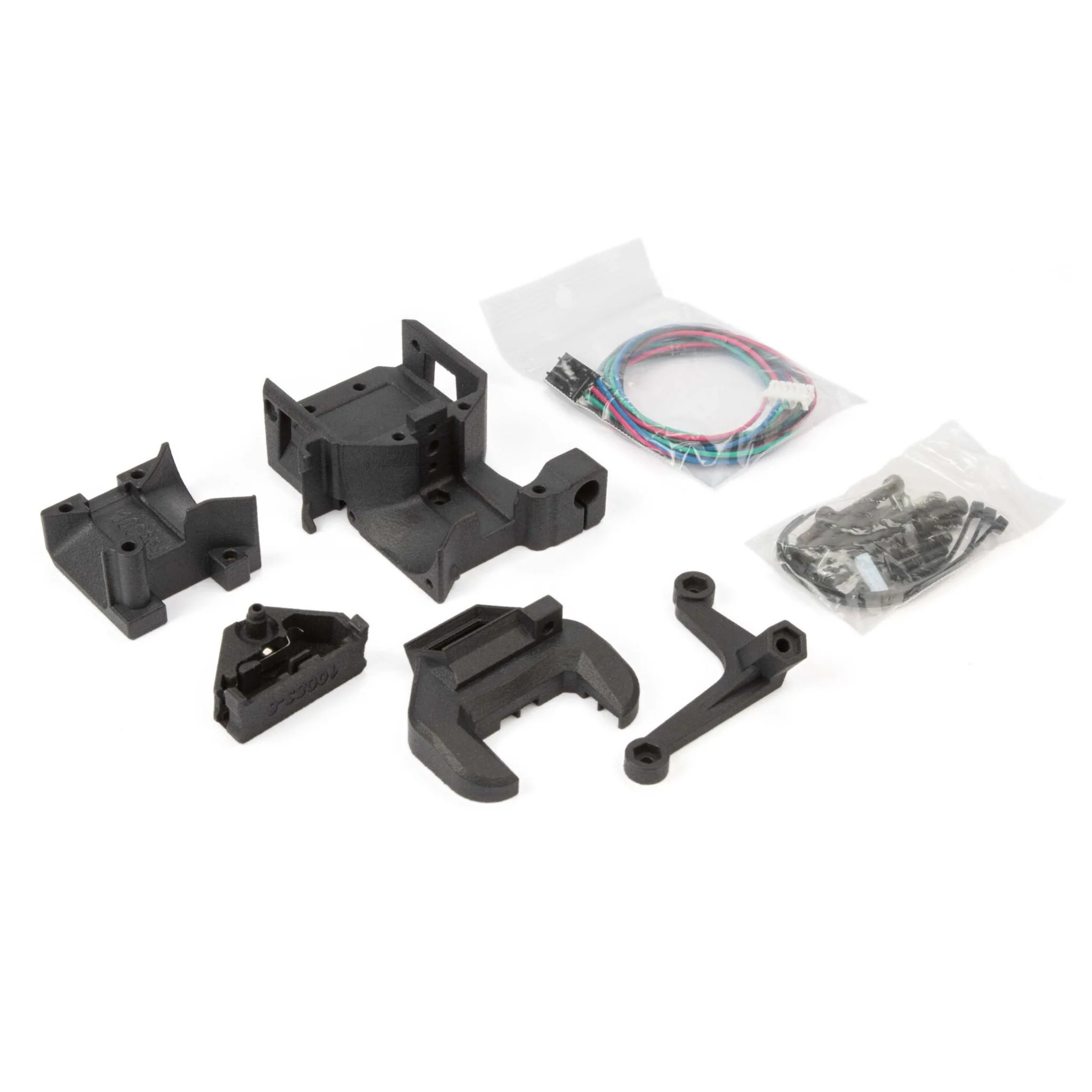
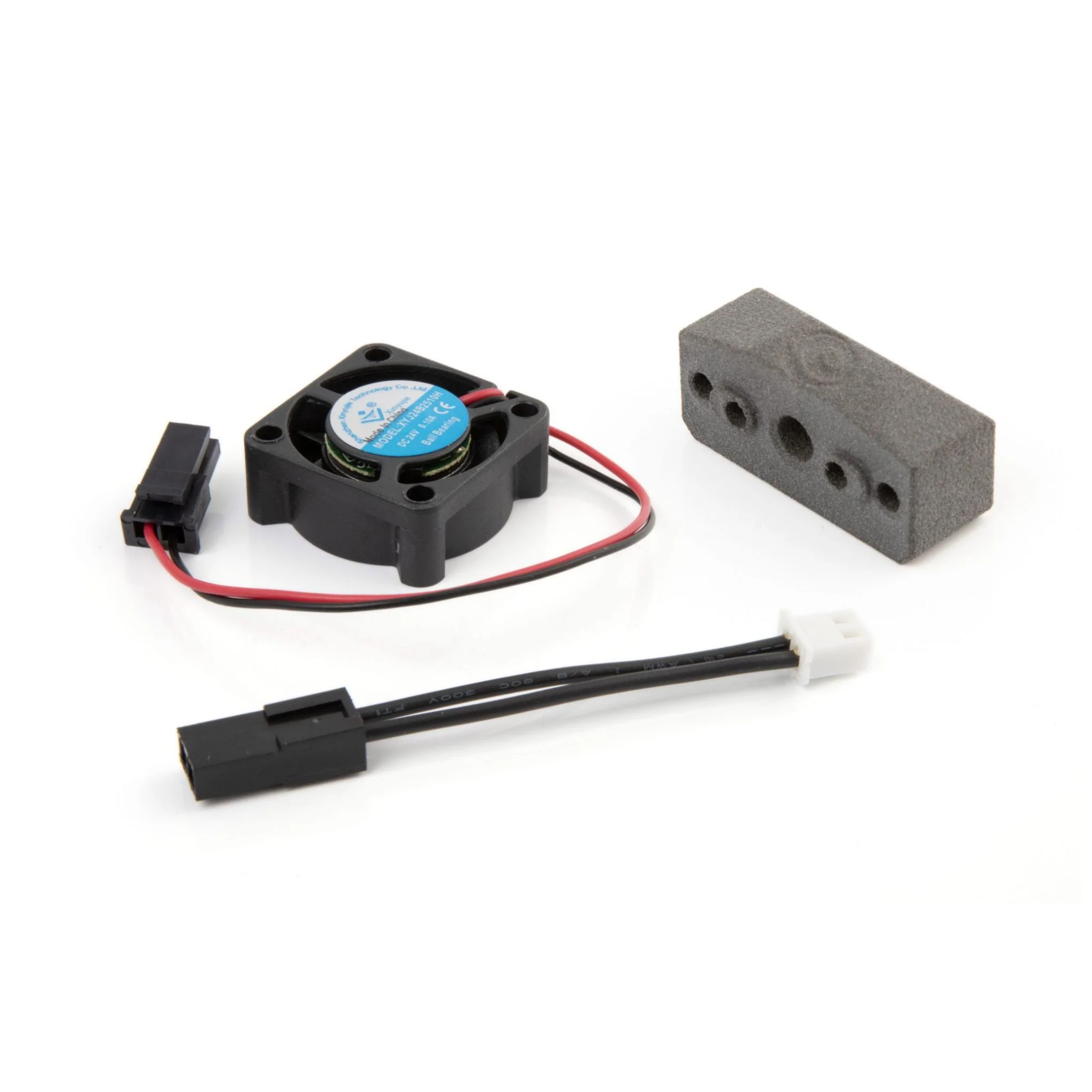
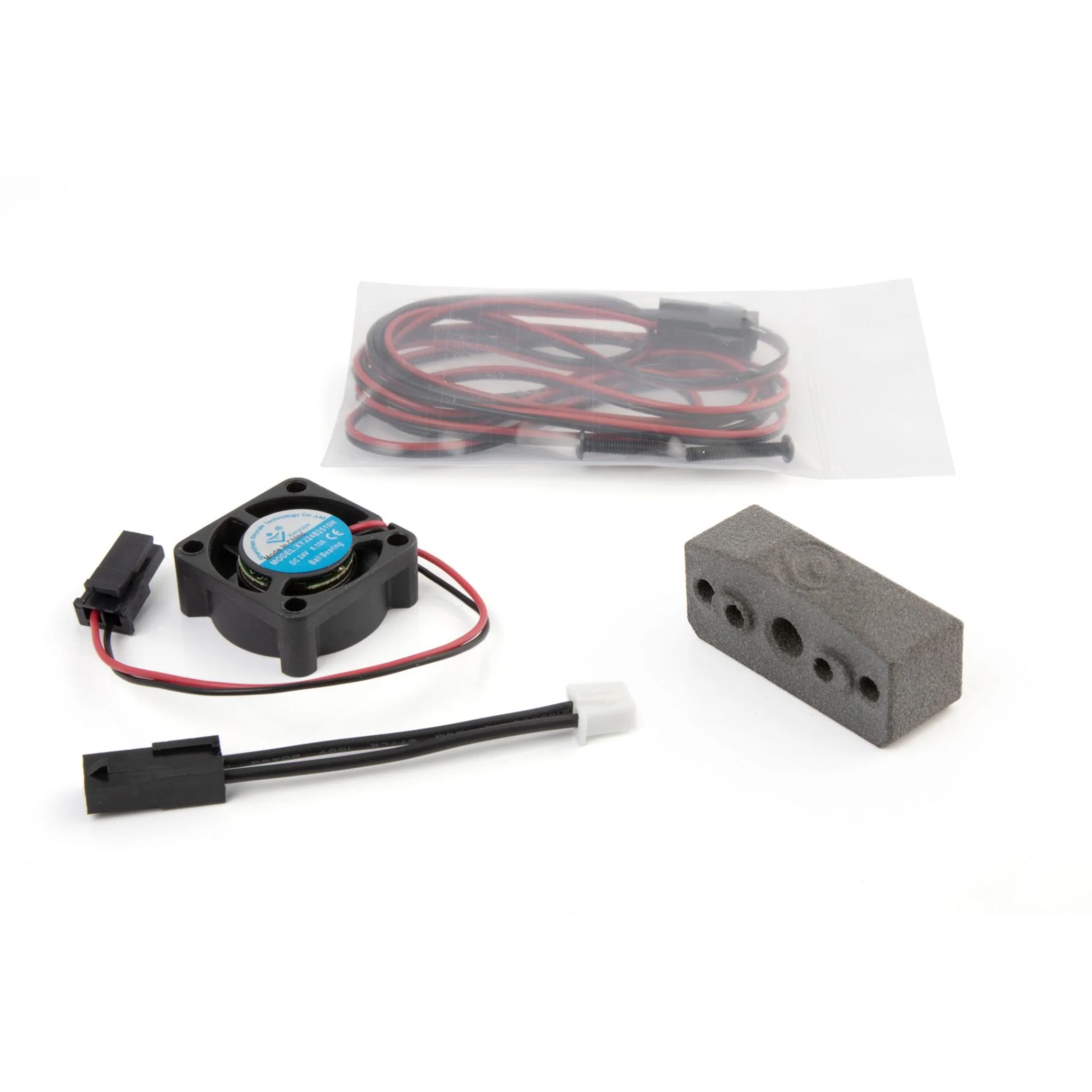
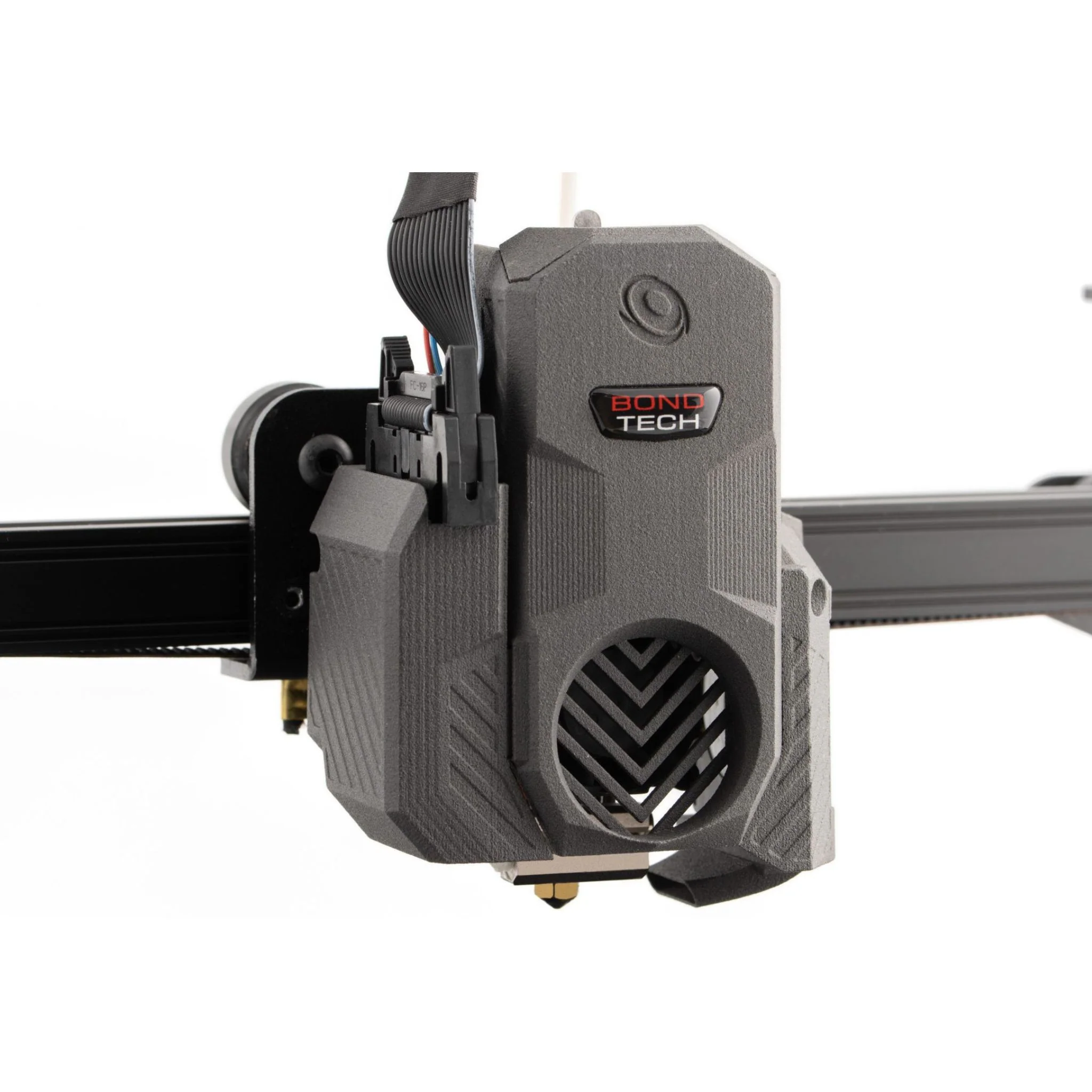
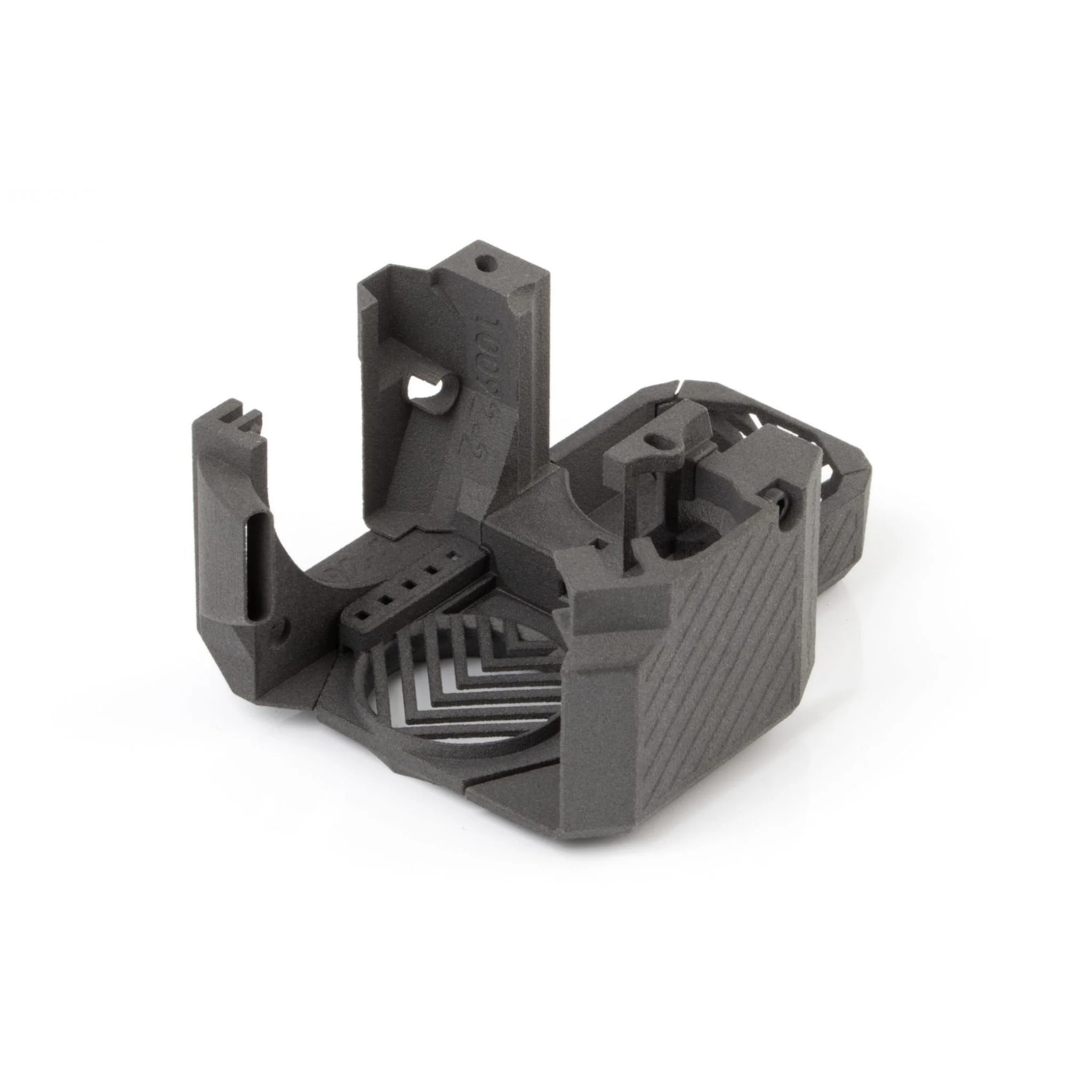
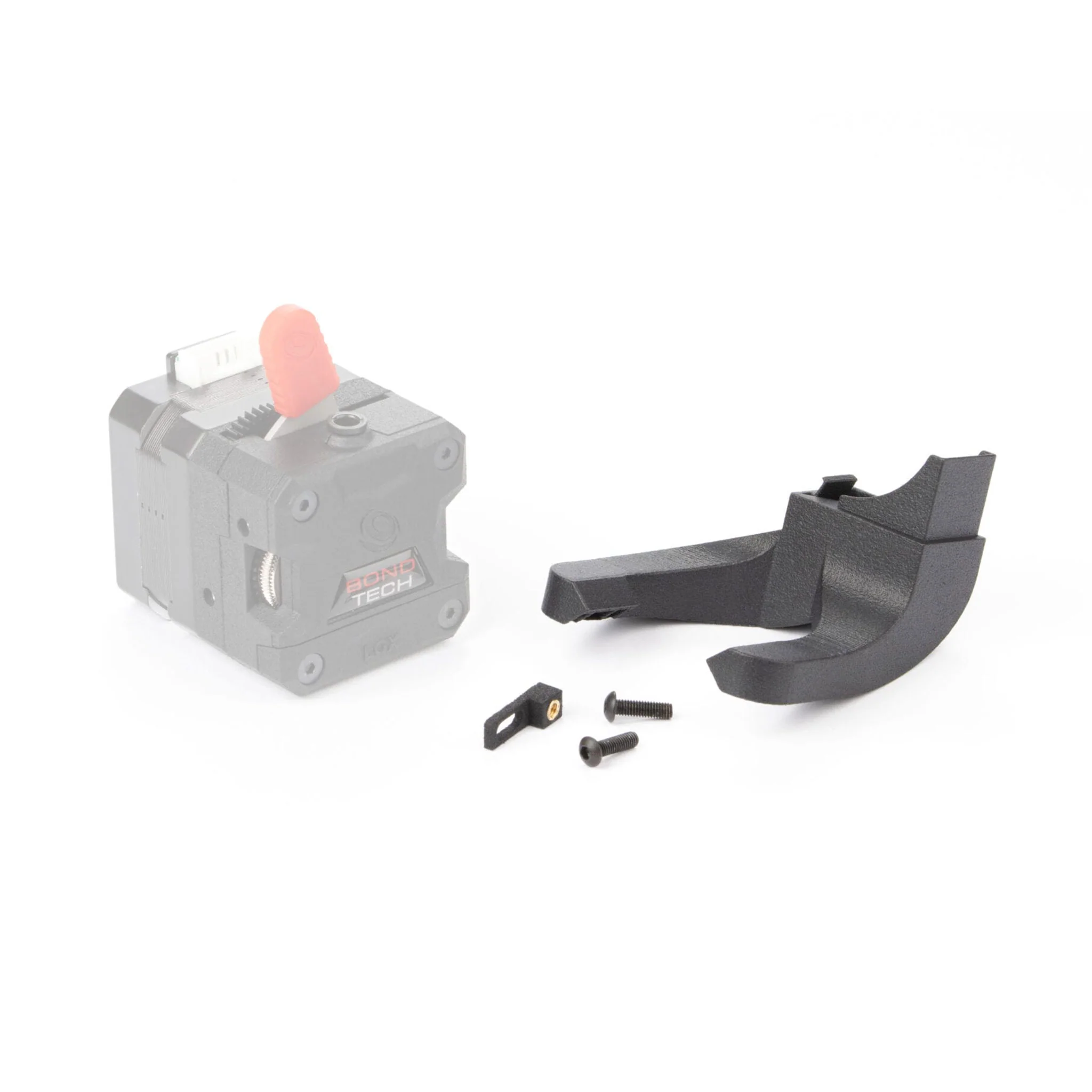
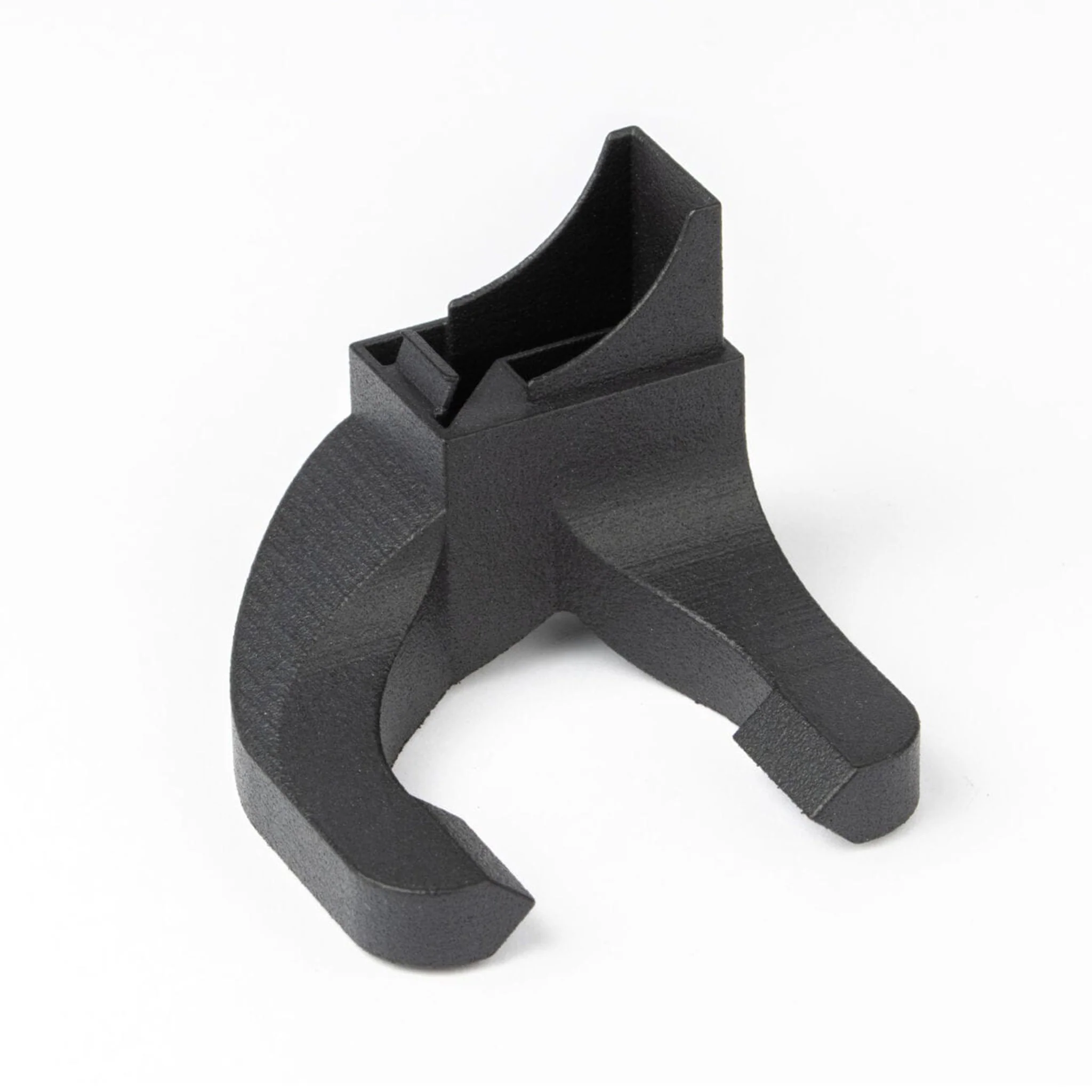
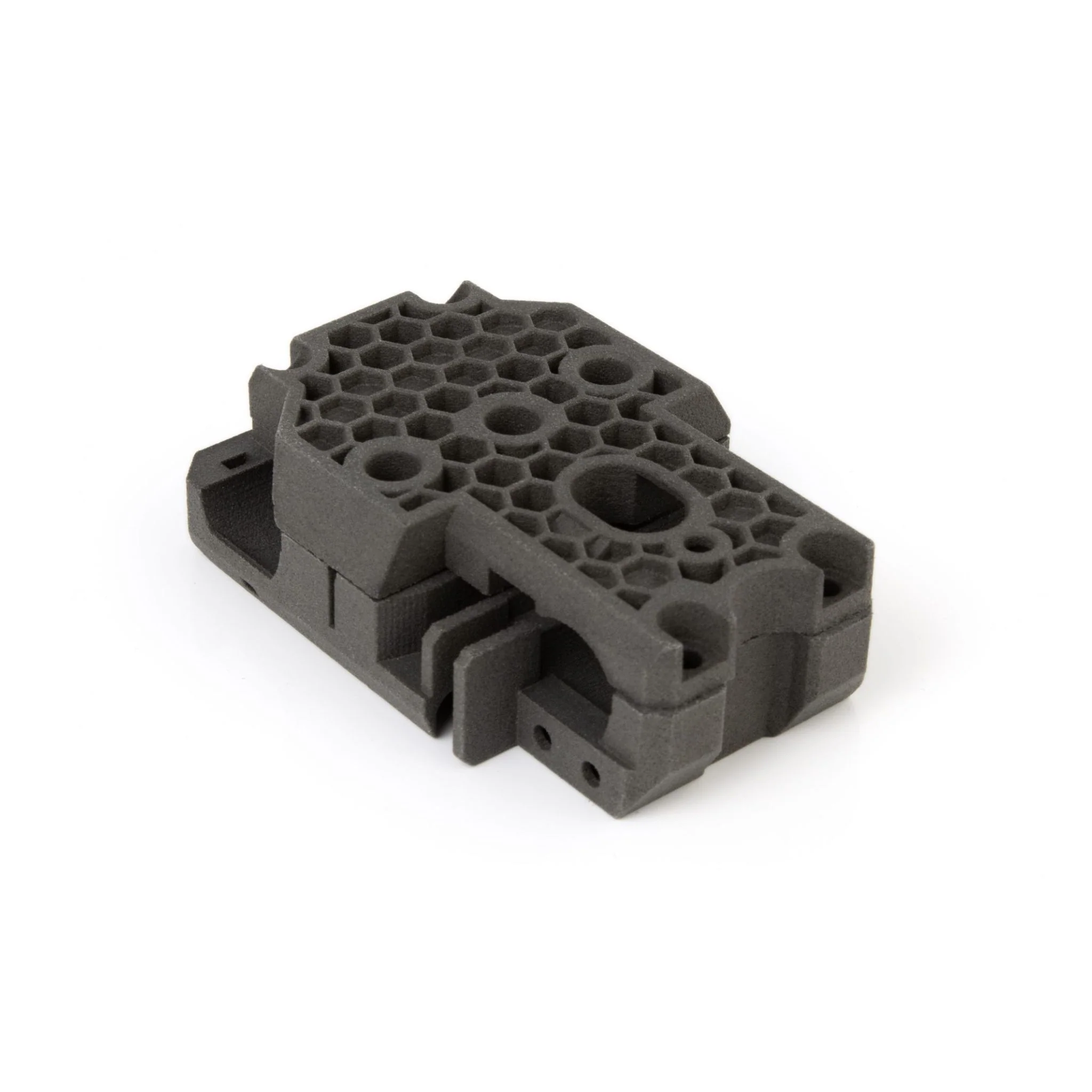
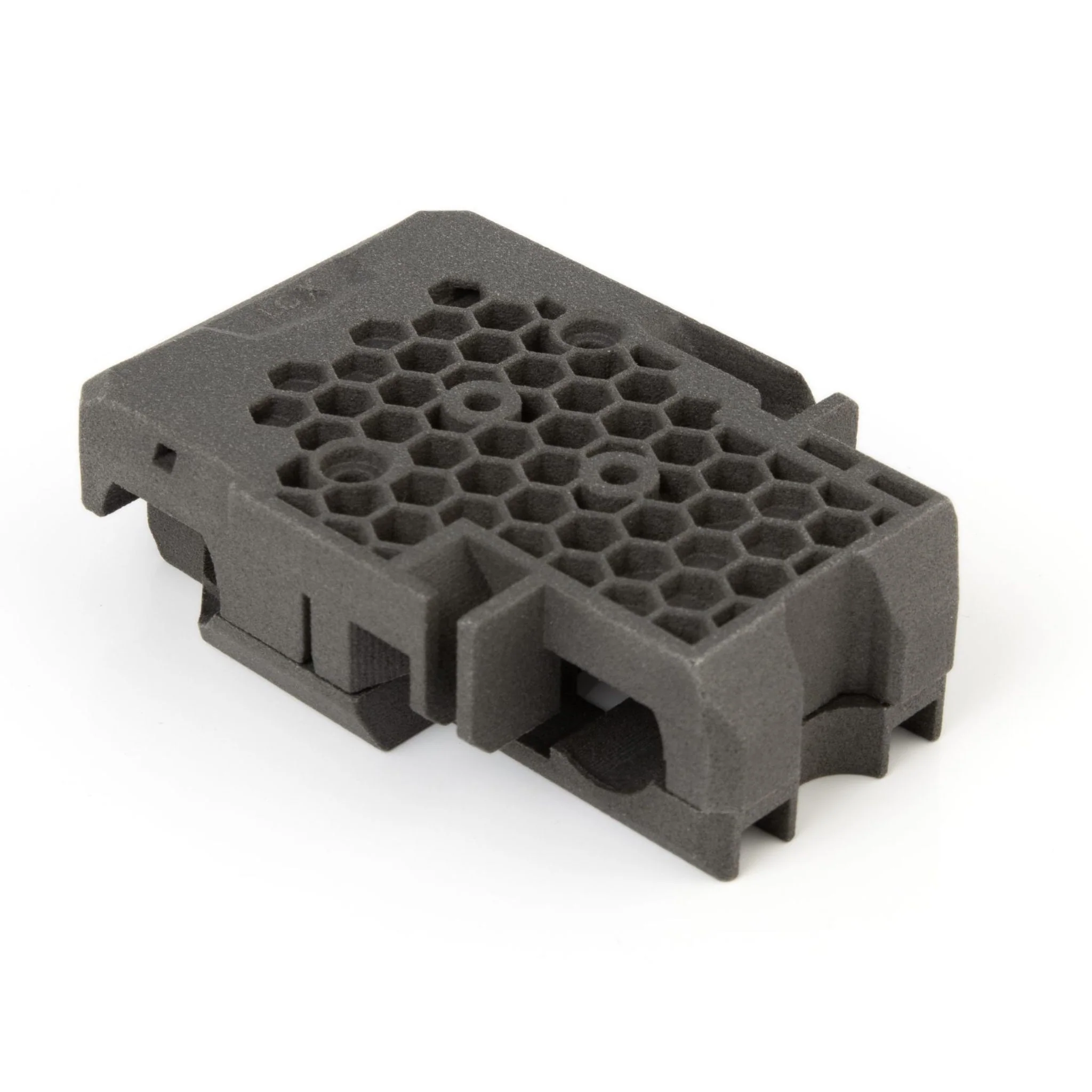
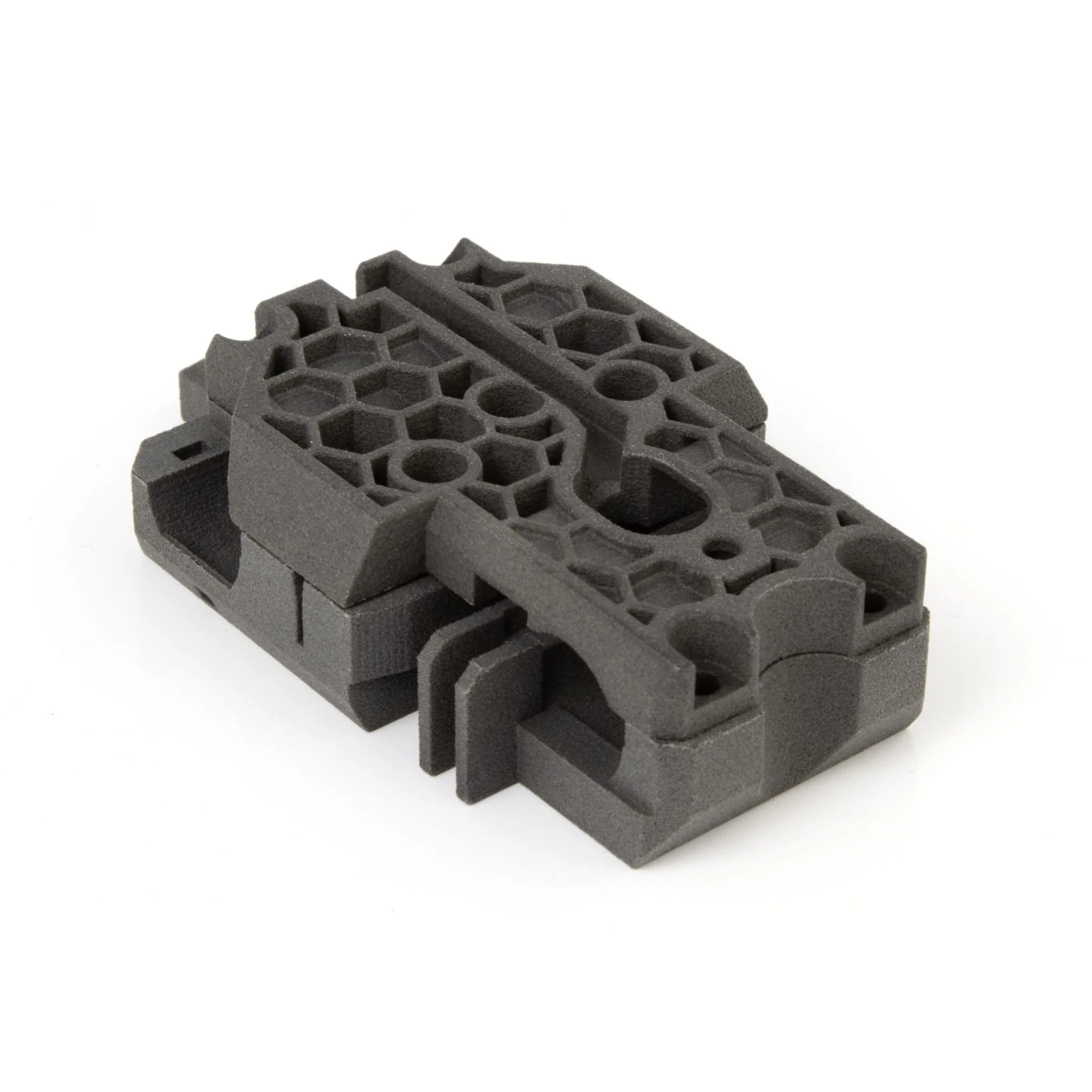
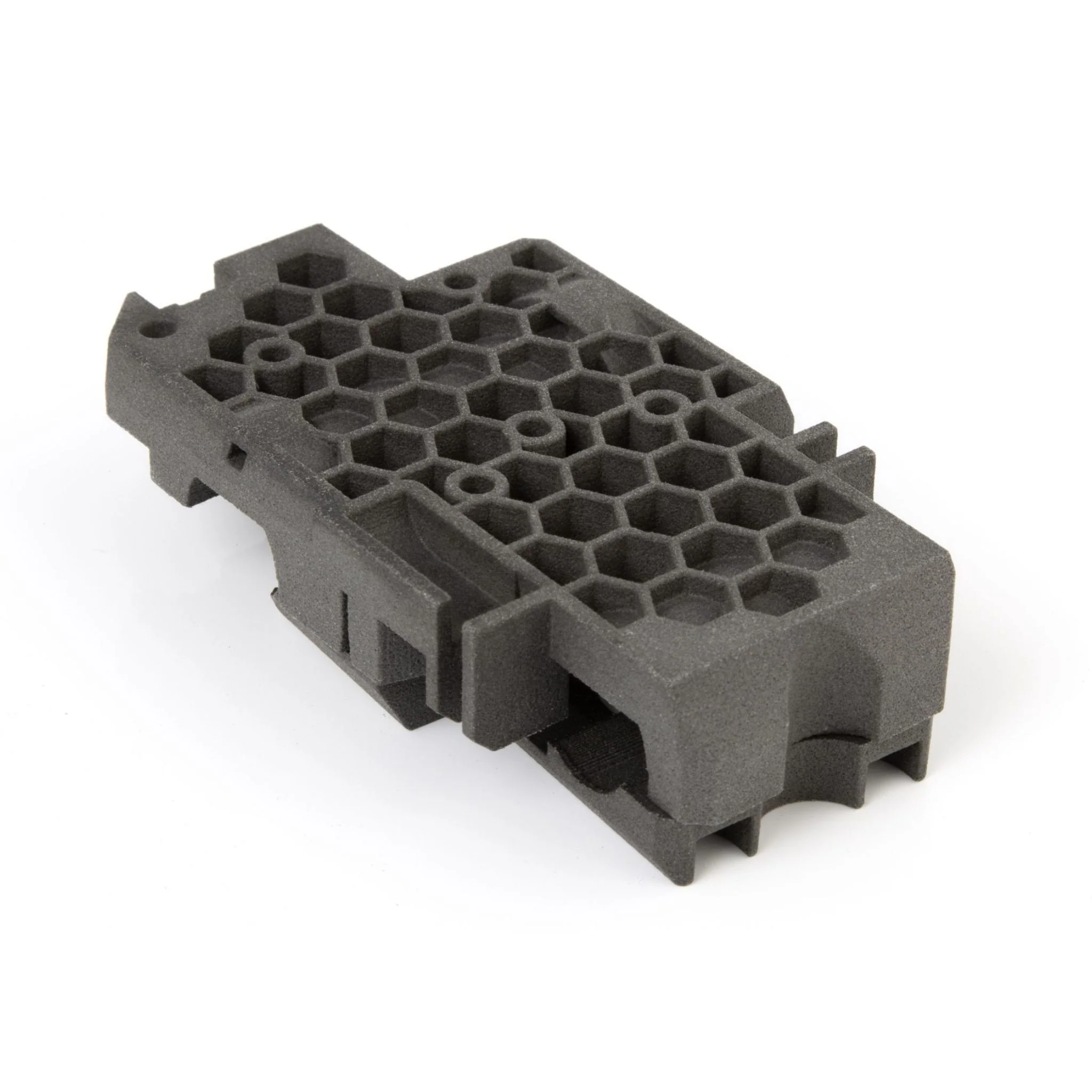
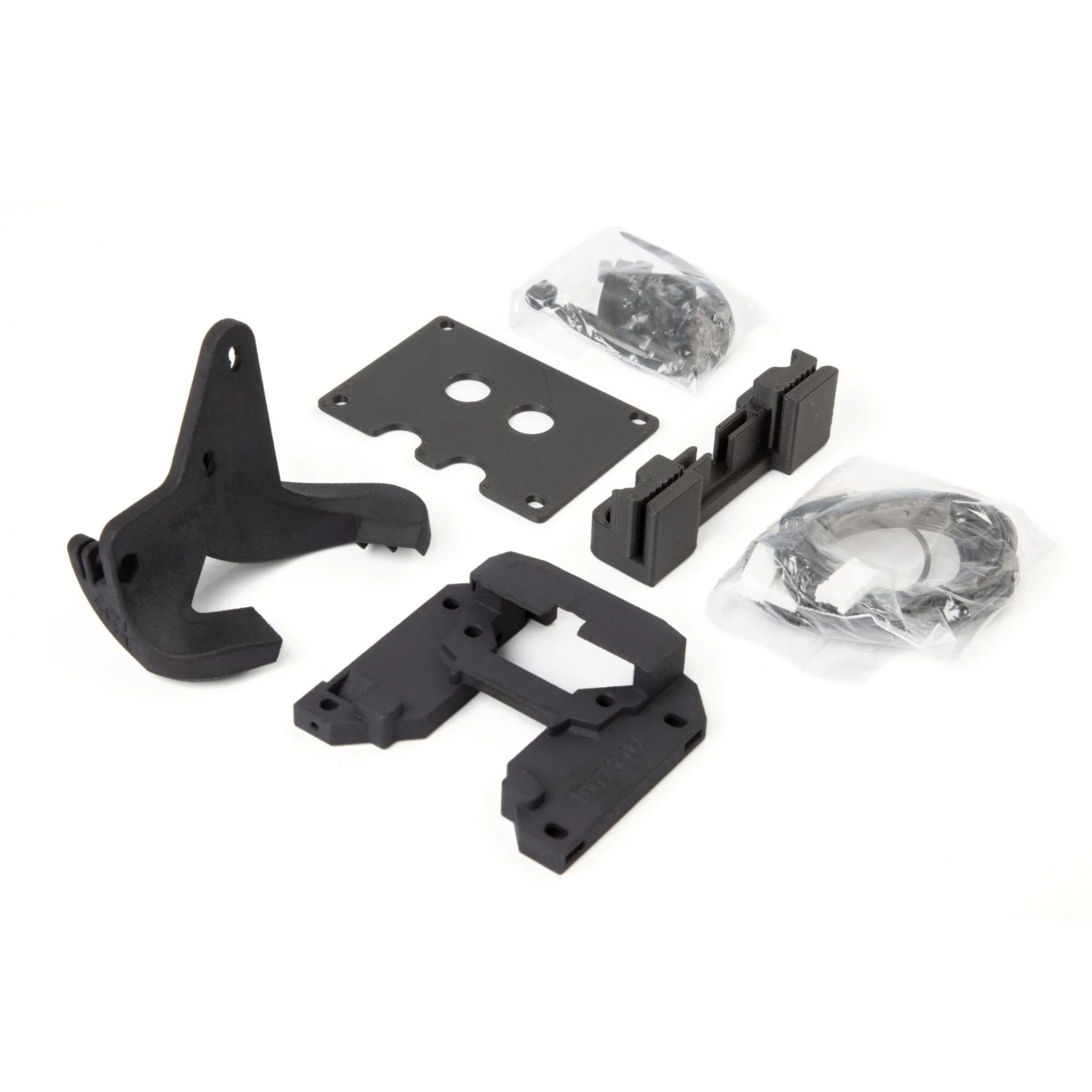
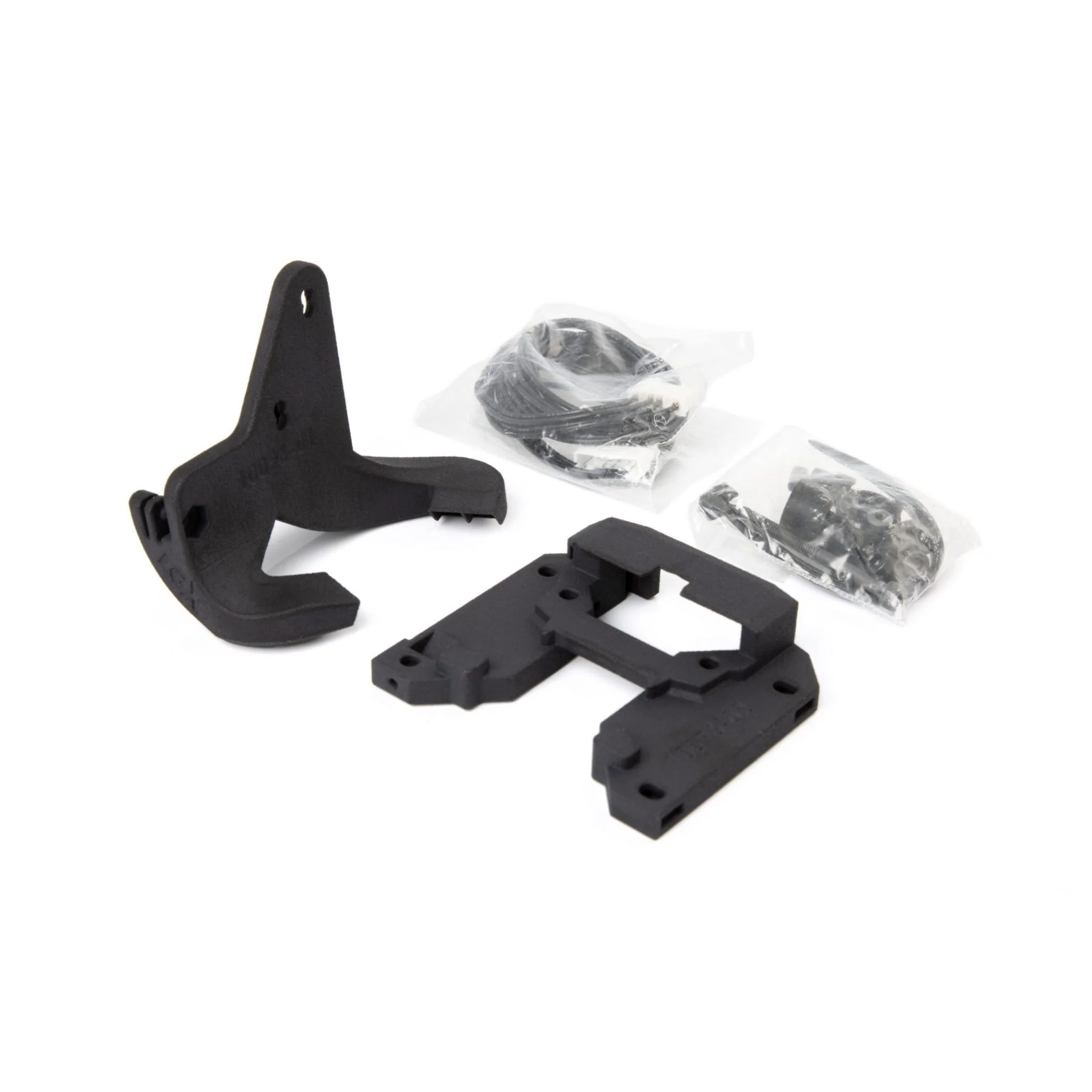
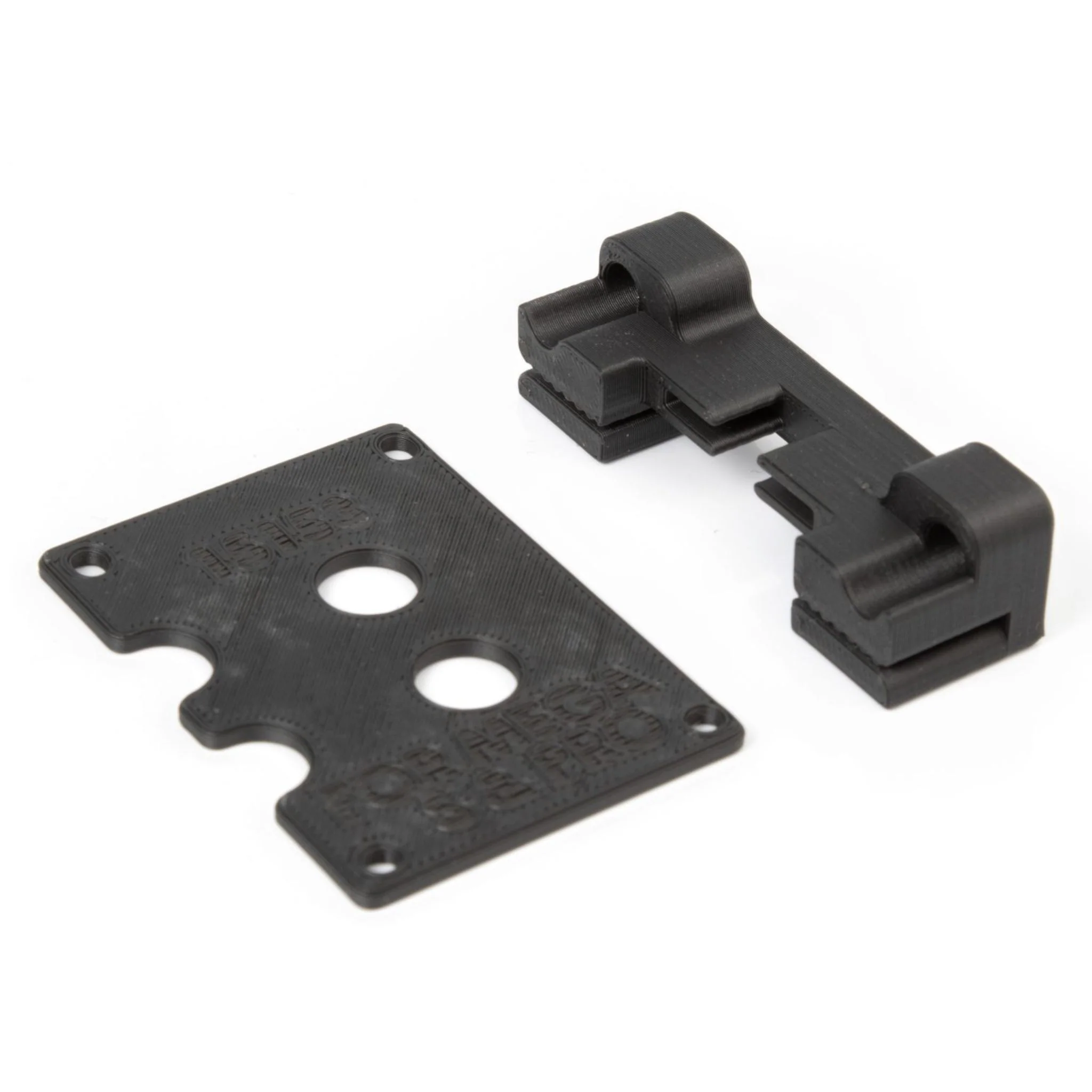
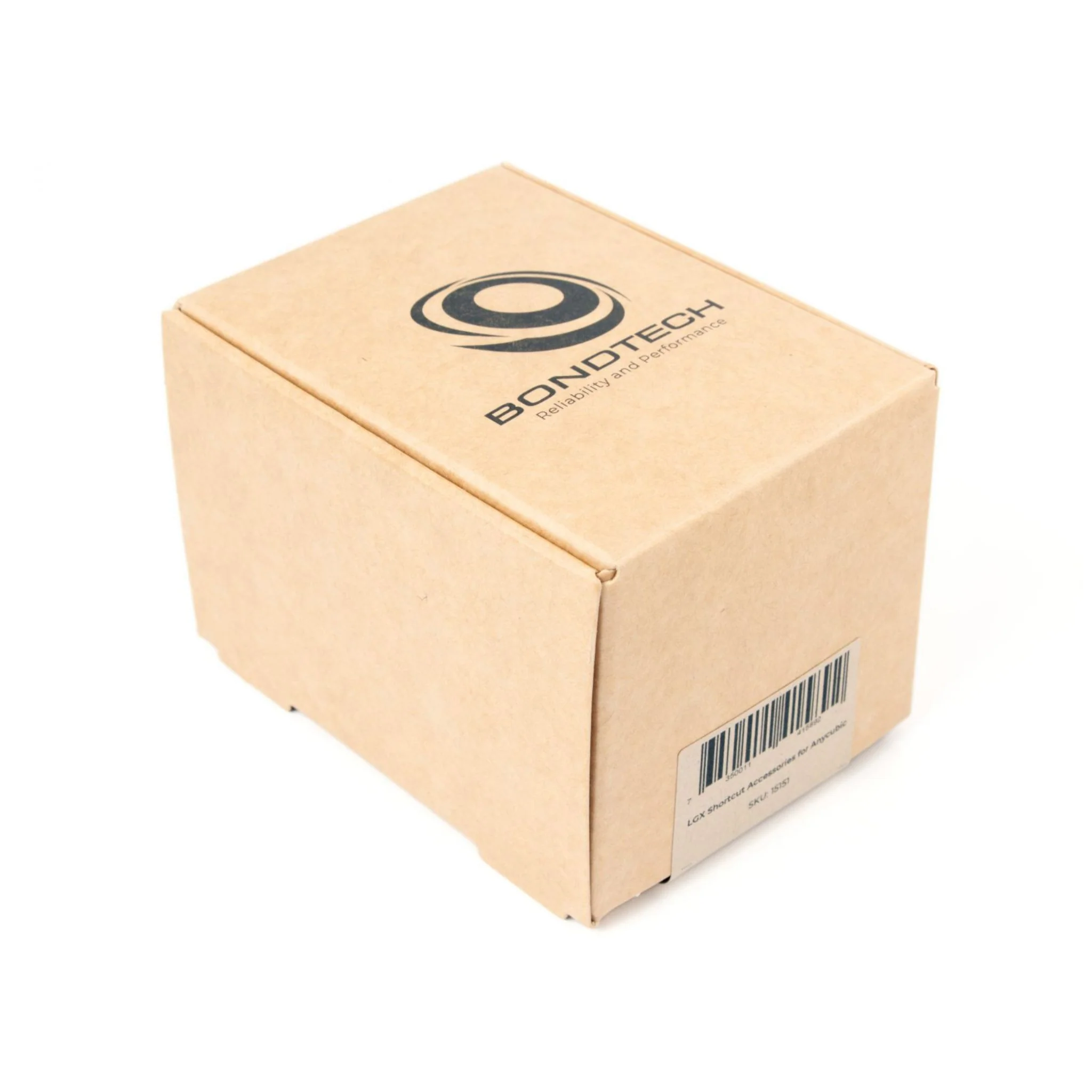
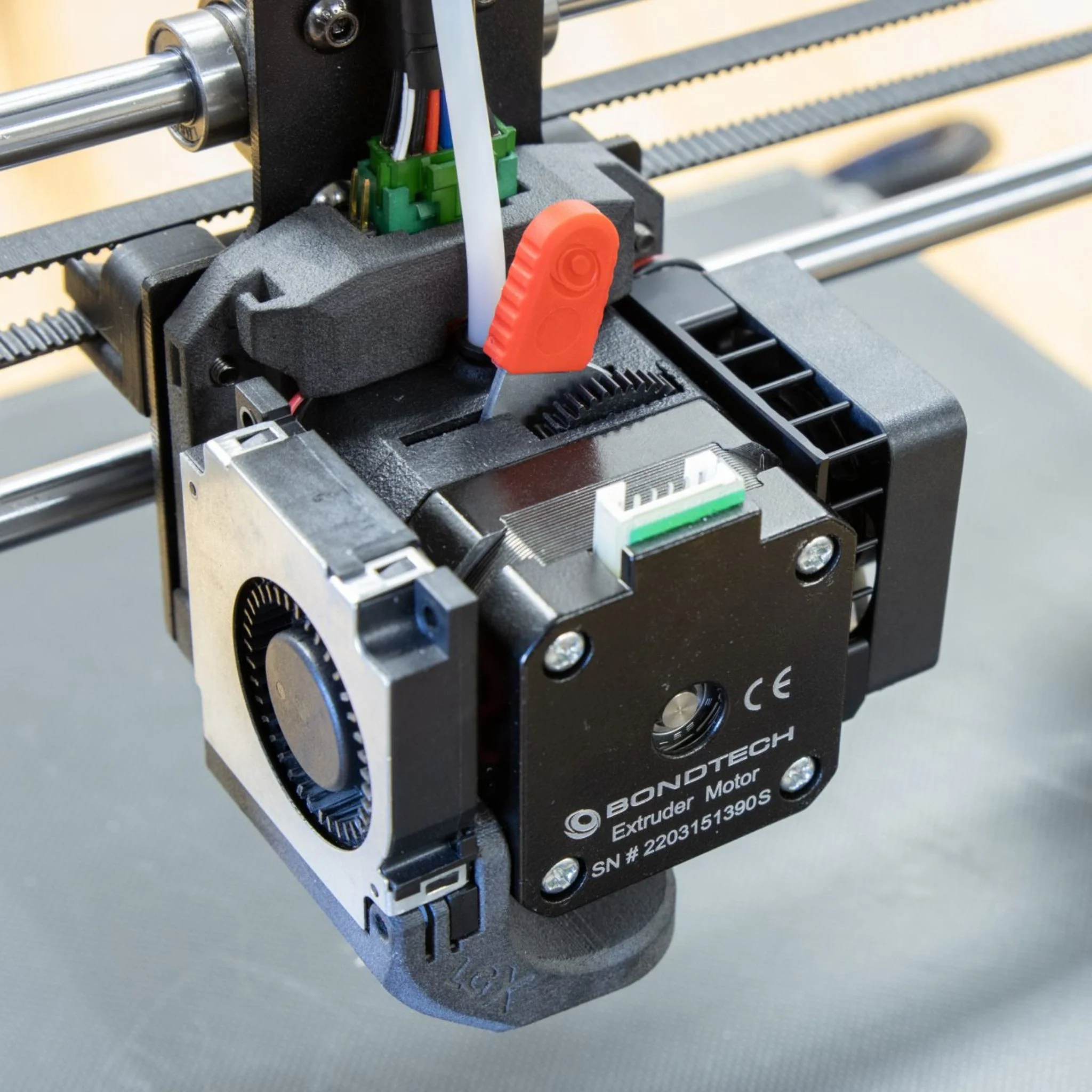
This accessory set by Bondtech allows you to install a Bondtech LGX Shortcut Mosquito® Printhead or an LGX Shortcut Copperhead® Printhead onto your Anycubic Mega-X, Mega-S or Mega-P(ro). It's time to say goodbye to the heat creep and under extrusion issues commonly found on Anycubic printers.
The main advantages of this LGX Upgrade include:
- Use all available nozzle temperatures without compromise
- Master abrasive, rigid, flexible and soft filaments
- Far better part cooling
- Clean, simple and easy to install
- Improves extrusion’s reliability and resolution
Please note, this product requires, but doesn't include, the following items:
- LGX Extruder
- LGX Shortcut Copperhead or Mosquito Hotend
Print Parameters
You may 3D print with the Bondtech LGX Shortcut on your Anycubic using a generic profile with the exception of the 2 settings described below:
- Adjust the e-steps value
- Locate the Start G-code on the profile you use for your Anycubic on your slicer.
- Add the following command to the beginning of the Start G-code:
- M92 E400
- Adjust Retraction Distance
- Locate the Retraction Distance under Print Settings on the profile you use for your Anycubic on your slicer.
- Change the Retraction Distance setting to:
- 0.6 mm
Compatible Nozzles
- Vanadium™ Nozzles - Print extremely abrasive filaments at high temperatures with this nozzle
- BridgeMaster® Nozzles - These nozzles are optimized for thermal conduction, allowing you to achieve peak bridging performance while printing.
- Bondtech CHT Coated Brass Nozzles - Get at least 30% more flow from your hotend with Bondtech CHT Coated Brass Nozzles! These trifurcated nozzles are ideal for high-flow applications.
For installation & setup instructions, click here.
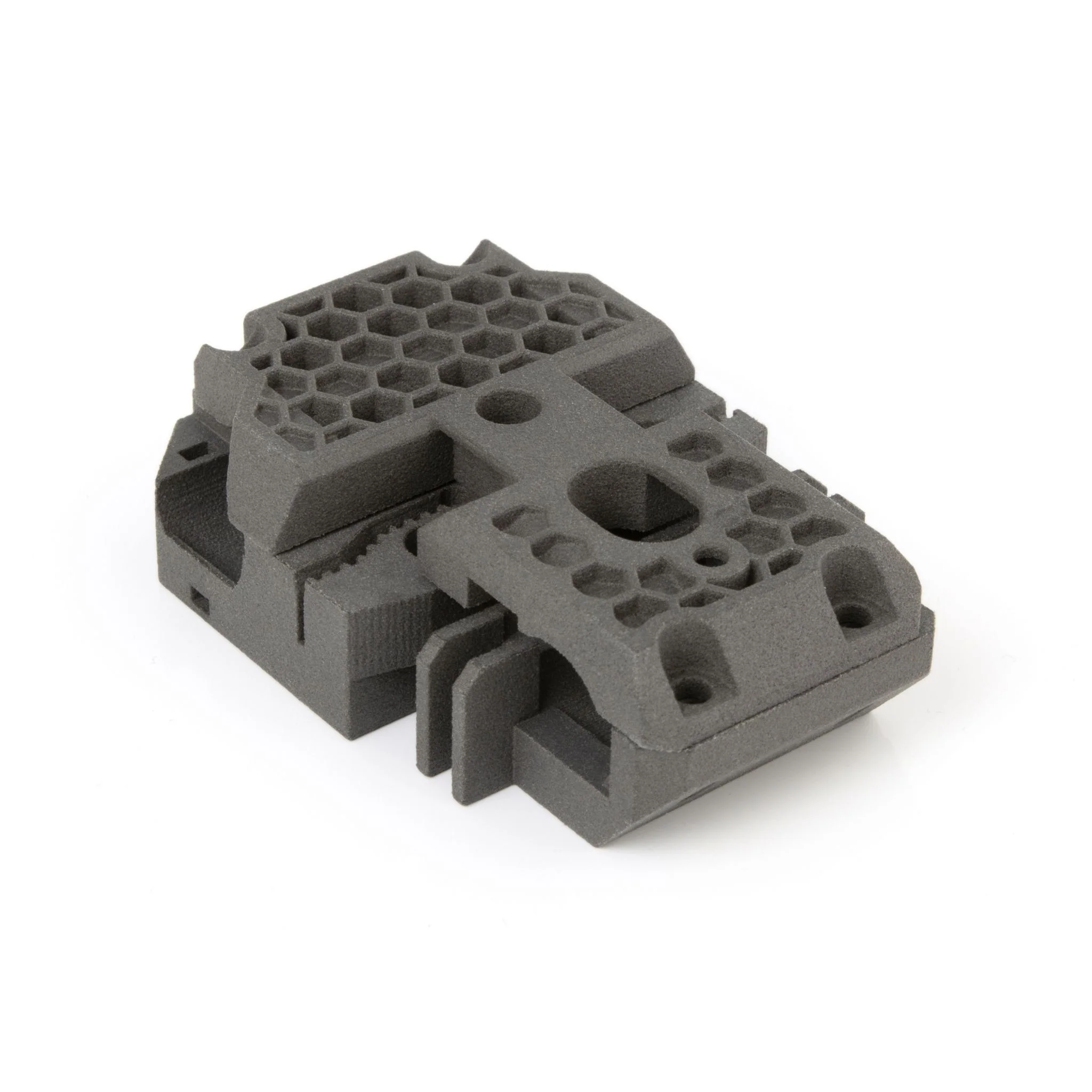
Details & Craftsmanship
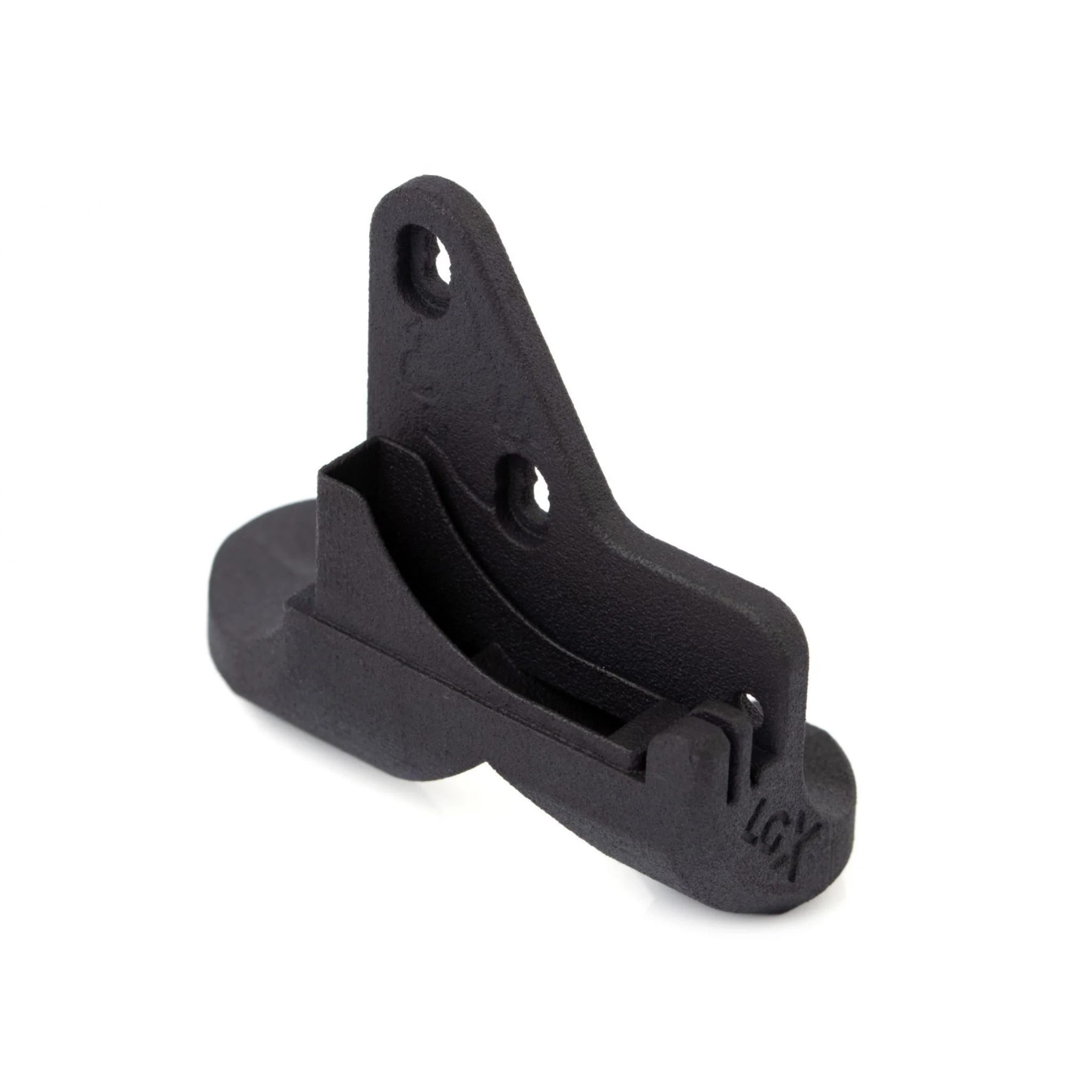
Every detail has been carefully considered to bring you the perfect product.
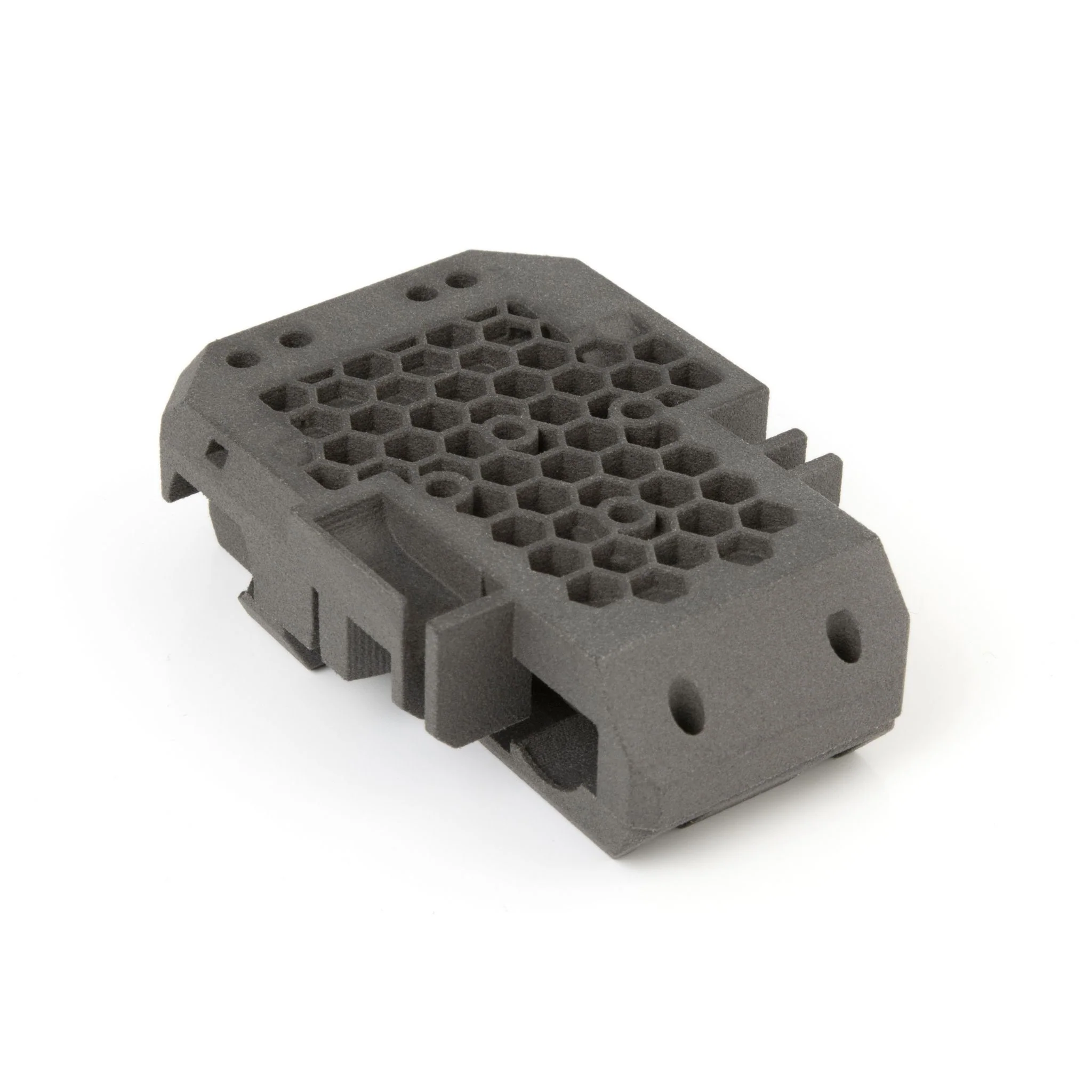
Details & Craftsmanship
Every detail has been carefully considered to bring you the perfect product.
Details & Craftsmanship
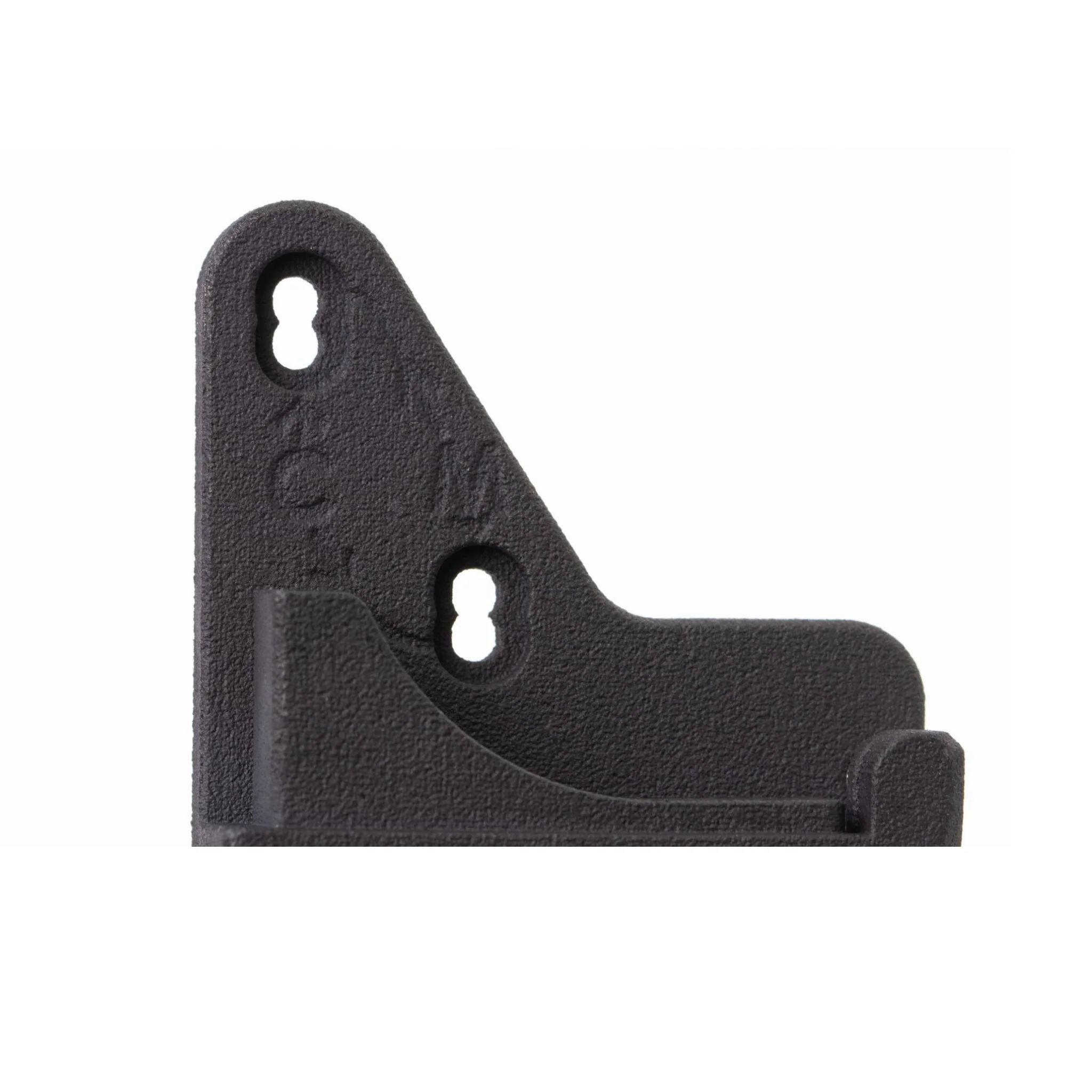
Every detail has been carefully considered to bring you the perfect product.
Details & Craftsmanship
Every detail has been carefully considered to bring you the perfect product.
Details & Craftsmanship
Every detail has been carefully considered to bring you the perfect product.
Details & Craftsmanship
Every detail has been carefully considered to bring you the perfect product.
Description
This accessory set by Bondtech allows you to install a Bondtech LGX Shortcut Mosquito® Printhead or an LGX Shortcut Copperhead® Printhead onto your Anycubic Mega-X, Mega-S or Mega-P(ro). It's time to say goodbye to the heat creep and under extrusion issues commonly found on Anycubic printers.
The main advantages of this LGX Upgrade include:
- Use all available nozzle temperatures without compromise
- Master abrasive, rigid, flexible and soft filaments
- Far better part cooling
- Clean, simple and easy to install
- Improves extrusion’s reliability and resolution
Please note, this product requires, but doesn't include, the following items:
- LGX Extruder
- LGX Shortcut Copperhead or Mosquito Hotend
Print Parameters
You may 3D print with the Bondtech LGX Shortcut on your Anycubic using a generic profile with the exception of the 2 settings described below:
- Adjust the e-steps value
- Locate the Start G-code on the profile you use for your Anycubic on your slicer.
- Add the following command to the beginning of the Start G-code:
- M92 E400
- Adjust Retraction Distance
- Locate the Retraction Distance under Print Settings on the profile you use for your Anycubic on your slicer.
- Change the Retraction Distance setting to:
- 0.6 mm
Compatible Nozzles
- Vanadium™ Nozzles - Print extremely abrasive filaments at high temperatures with this nozzle
- BridgeMaster® Nozzles - These nozzles are optimized for thermal conduction, allowing you to achieve peak bridging performance while printing.
- Bondtech CHT Coated Brass Nozzles - Get at least 30% more flow from your hotend with Bondtech CHT Coated Brass Nozzles! These trifurcated nozzles are ideal for high-flow applications.
For installation & setup instructions, click here.